Turn an old PC into a NAS with ZimaOS
A full guide to building your own home or small office NAS on whatever PC you already own. Save the £100 a year you pay Google Drive or iCloud, host your photos, your media, your work backups, and run a local AI model on the same box. No cloud bills, no vendor lock in, no monthly surprises.
Why this guide exists
Most homes have a perfectly capable computer sat in a cupboard. Most small offices have at least one machine that was retired the day a faster laptop arrived. Both of these can become a serious piece of infrastructure that replaces three or four paid subscriptions in an afternoon. The software that makes it painless is ZimaOS.
This is the long version of the guide. It covers the hardware you need, the install, how to lay out drives, the apps that earn their keep on day one, how to run a local AI model on the same machine, and how to reach all of it from your phone when you are away from home. Every step is one I have run on my own boxes.
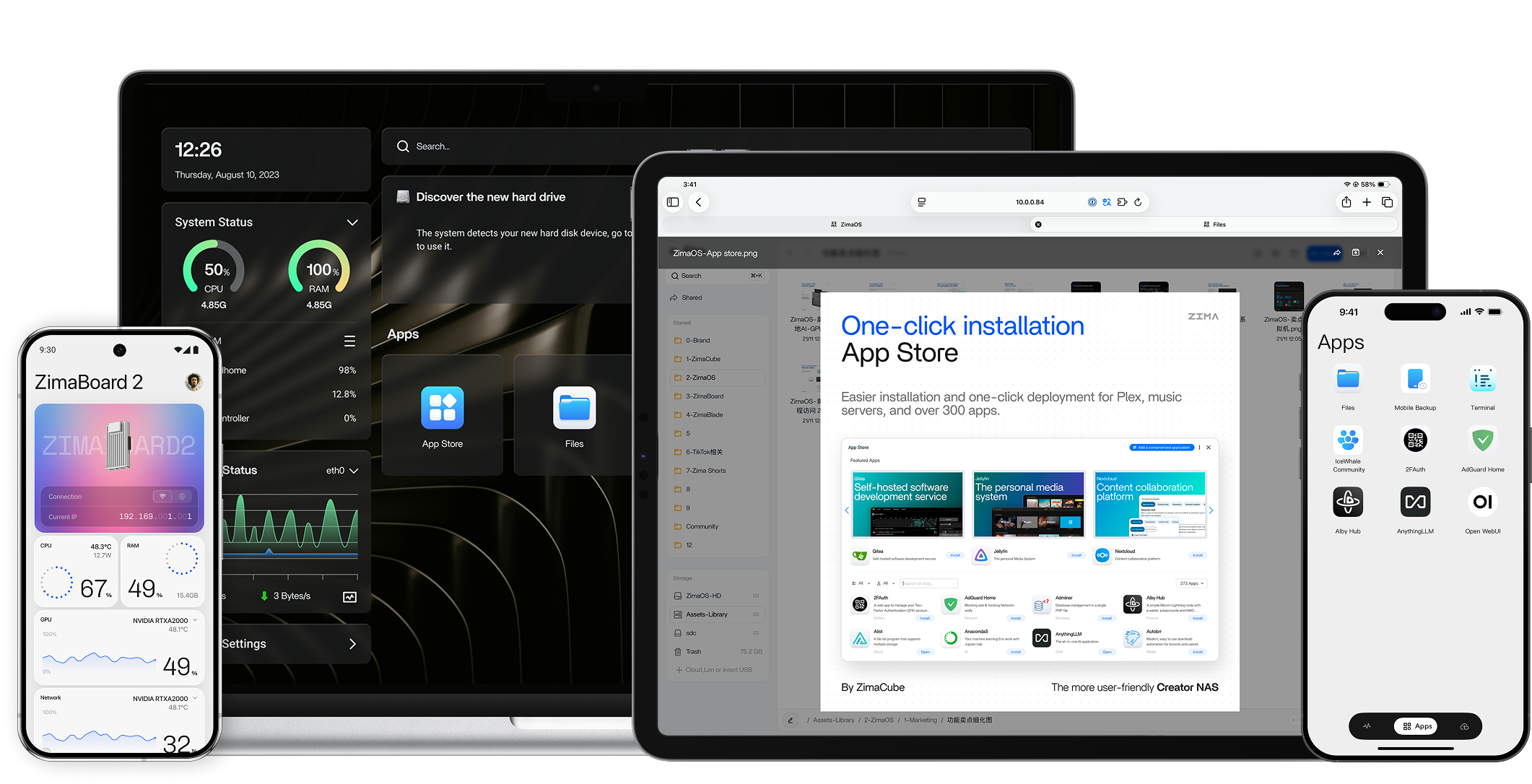
This is the box that sits in the cupboard at my place. Everything that matters runs on it:
- Every git repo I care about, hot-mirrored from GitHub so I can keep working when my connection drops.
- Every film and TV episode I have ever ripped, served to the lounge TV through Jellyfin.
- Every photo from every iPhone in the house, backed up nightly through Immich. The whole family is on it.
- An Nvidia Tesla P40 (24 GB) doing inference for Gemma 3 12B through Ollama. The API is exposed over Tailscale so I can call it from my laptop in a coffee shop.
- Nightly encrypted backup of the whole pool to Cloudflare R2 (the off-site copy).
Total monthly cost: electricity (about £4 a month at UK rates). What it replaced: Google One Family £7.99, iCloud+ 2TB £6.99, Plex Pass £4.99, ChatGPT Plus £16, GitHub Codespaces (occasional) £8. That is roughly £45 a month going to zero.
Why ZimaOS
There are at least five NAS operating systems worth shortlisting today: TrueNAS, Unraid, OpenMediaVault, CasaOS, and ZimaOS. I run ZimaOS on my own home box for four reasons.
- It boots and works. The install is a USB flash and a single boot. You land on a dashboard. There is no twelve step setup wizard.
- The app store is curated, not infinite. Immich, Jellyfin, Plex, Nextcloud, Vaultwarden, Home Assistant, Pi-hole, and about five hundred more, all one click. None of the "install Docker first then write yaml" tax that other NAS distros have.
- Open source with a real company behind it. IceWhale Technology builds the hardware (ZimaBoard, ZimaCube, ZimaBlade) and the OS. They have shipped weekly updates for three years. Their forum responds in hours. That combination is rare.
- It runs anywhere x86, not just on their hardware. Their own boxes are excellent, but if you have a five year old laptop or a recycled mini PC, ZimaOS installs on it identically.
I support IceWhale because the team genuinely cares about the home server space. They contribute upstream to CasaOS. They publish ISOs for free. They sell hardware to fund the development. That is the right shape of open source.
Step by step guide
Each tab is a complete topic. Work top to bottom or jump straight to the one you need.
Minimum specs that actually work
| Spec | Bare minimum | Comfortable | Pro |
|---|---|---|---|
| CPU | 2 cores, x86 64 | 4 cores (Intel N100 / N150) | 6+ cores (i5 12th gen+, AMD 5600G) |
| RAM | 4 GB | 8 GB | 16 GB+ |
| Boot drive | 32 GB SSD or USB | 120 GB SATA SSD | 250 GB NVMe SSD |
| Storage | 1x 2 TB HDD | 2x 4 TB HDD (mirror) | 4x 8 TB HDD (RAID 5/10) |
| Network | 1 Gbps wired | 2.5 Gbps wired | 10 Gbps wired |
| Power use | 20 to 40 W idle | 10 to 20 W idle | 15 to 30 W idle |
What to use if you already own a PC
- Old desktop tower (anything from 2015 onward). Perfect, full size drive bays, easy to add memory.
- Old laptop (2018 onward). Works fine for light NAS, but only one or two internal drives. Use a USB drive bay for more storage.
- Old Mac mini or iMac. Boots ZimaOS on Intel models. M1 and later are ARM, ZimaOS is x86 only today.
- Spare gaming PC. Overkill but will run beautifully. The GPU is also useful for the Ollama tab below.
What to buy if you do not have one
If you are buying fresh, three real options that fit different budgets.
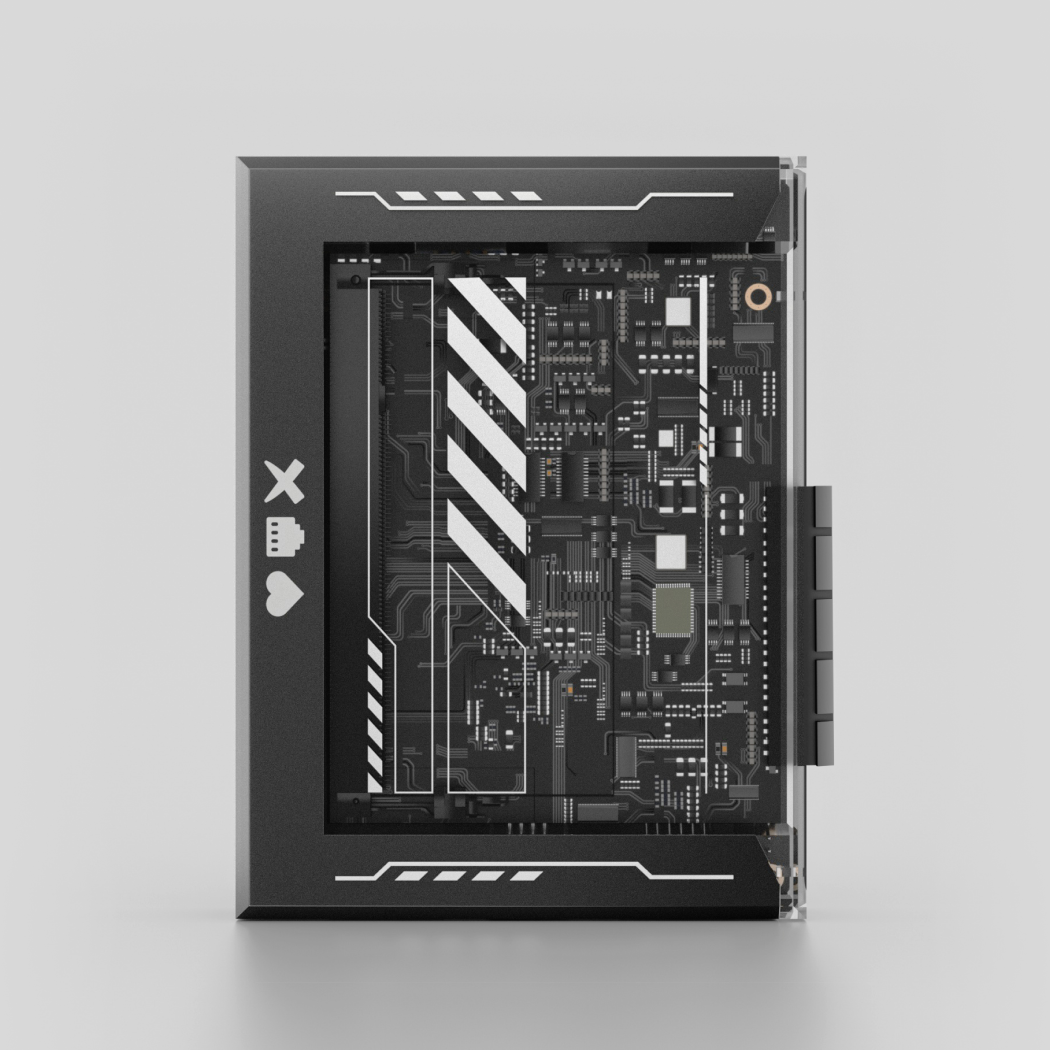
ZimaBlade
Palm sized server, dual SATA, ~£100. Best for a quiet home NAS with one or two drives.
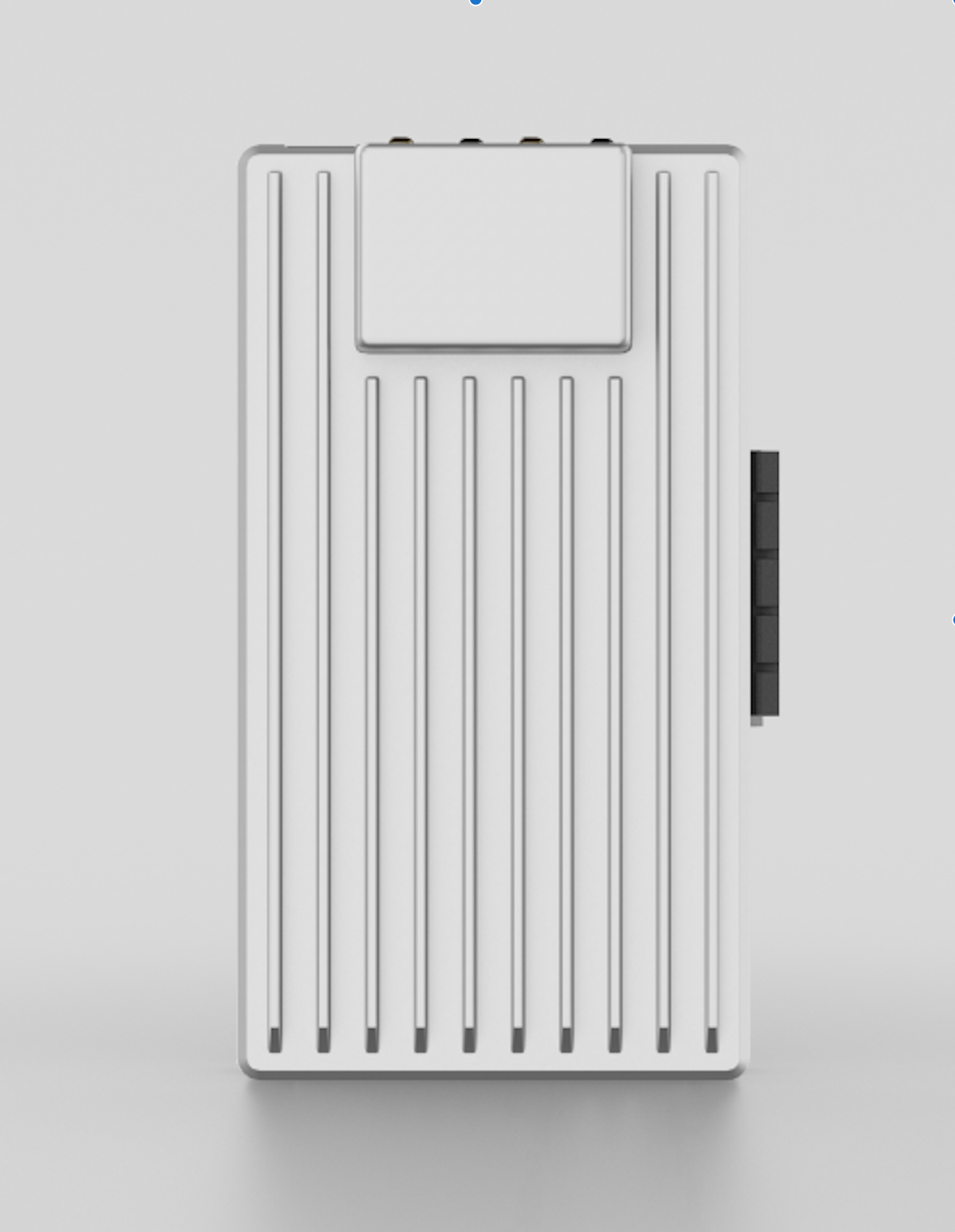
ZimaBoard 2
Intel N150, dual 2.5 Gbps network, ~£150. The mid range pick for most home users.
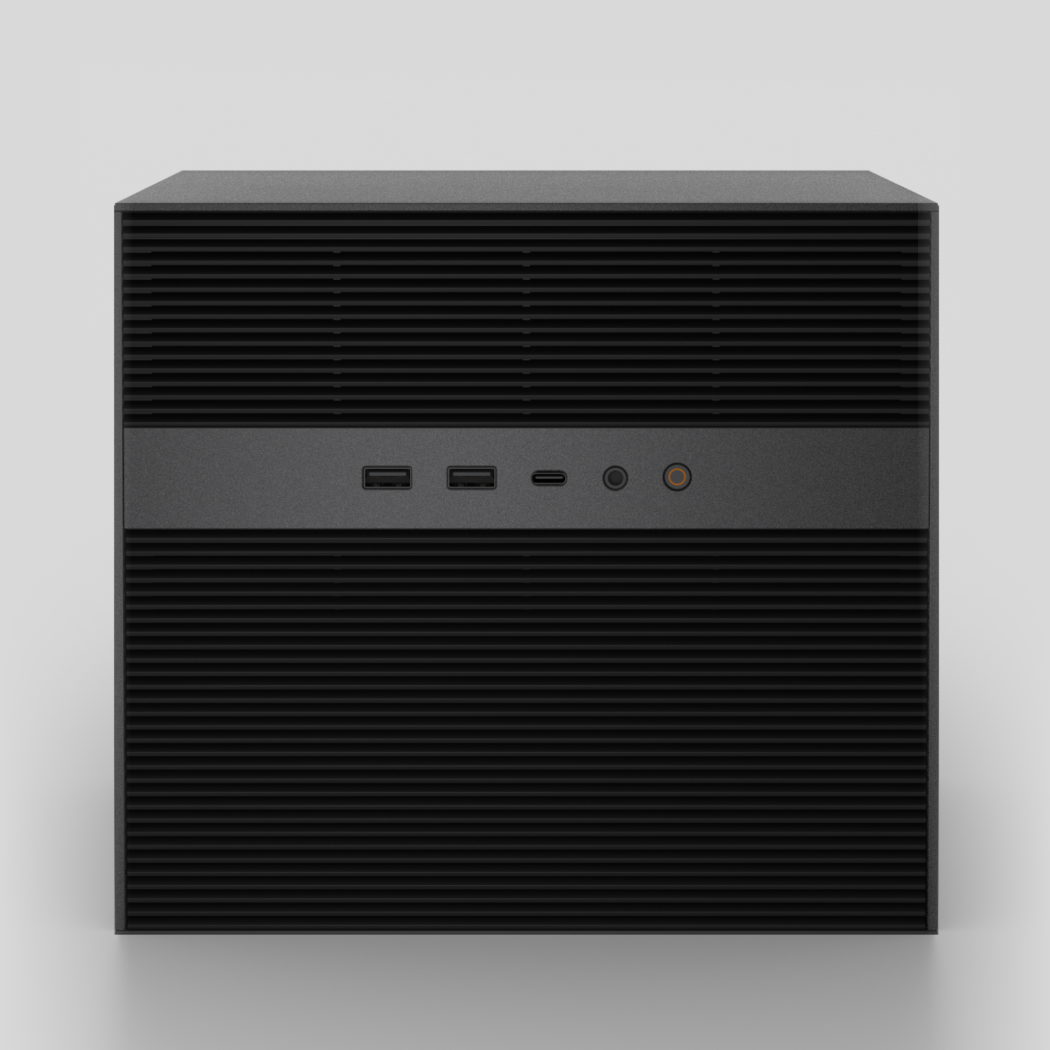
ZimaCube
10 core CPU, 10 GbE network, six drive bays, from ~£700. Small office territory.
Hardware images via zimaspace.com.
Free vs paid
ZimaOS itself is free and open source. Forever. Run it on any hardware you own.
What you can pay for is the hardware from IceWhale. The trade is: you get a small, silent, well designed box (under 20W idle) with first party support and a small premium over the parts bill.
| Approach | Up front cost | Power cost / year | Replaces | Best for |
|---|---|---|---|---|
| Old PC, ZimaOS free | £0 (use what you have) + drives | ~£40 (40W idle, UK rate) | Google Drive, iCloud, Plex Pass, Bitwarden Premium | Anyone with a spare PC |
| ZimaBlade | ~£100 + drives | ~£8 (8W idle) | Same as above plus low noise | Quiet bedroom / lounge install |
| ZimaBoard 2 | ~£150 + drives | ~£10 (10W idle) | All of the above plus 2.5 GbE network | Power user home, micro office |
| ZimaCube | ~£700+ (varies) | ~£20 | Small office NAS, six drive bays, 10 GbE | Studios, ten person offices, photographers |
ZimaOS the software is free. Paying for the hardware is buying convenience and a piece of work that funds the open source code that the community benefits from.
Wrap up
An afternoon. That is the actual time investment. Twenty minutes to download and flash, twenty to install, an hour or two to set up the apps you want, and you replace four to six subscriptions plus get a local AI box for free.
If you get stuck, the IceWhale forum at icewhale.community is responsive. If you want me to walk you through it in person, the contact form is on /contact. If you want to read why I picked ZimaOS over the alternatives, the long form opinion is on the blog.
Want this done for you?
If you would rather skip the YAK shave and have someone who has done this fifty times set it up properly, that is what I do for a living.
Start a project